




Introduction
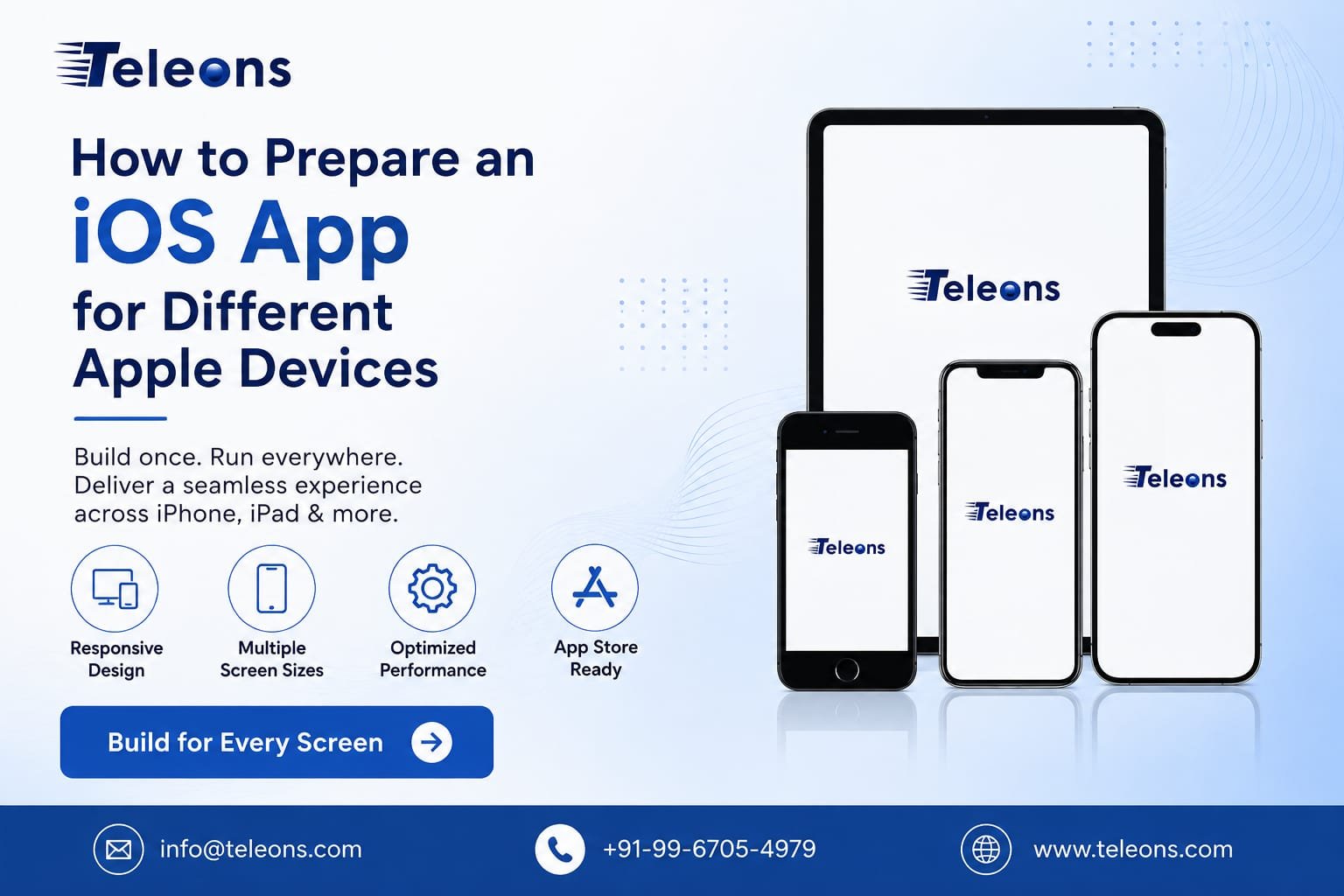
Developing an iOS application is not simply about creating a beautiful interface for one iPhone model. Apple has a wide range of devices, including different iPhone and iPad models with varying screen sizes, resolutions, performance capabilities, and hardware features. Preparing an app for these devices is essential for delivering a consistent and reliable user experience.
A well-prepared iOS application should adapt to different screen sizes, support appropriate orientations, perform efficiently, and work smoothly across supported versions of iOS. Teleons specializes in building custom iOS applications with a focus on performance, usability, scalability, and device compatibility.
Understand Apple Device Compatibility
Before development begins, identify which Apple devices your application needs to support. Depending on your target audience, your app may need to work across multiple iPhone generations as well as iPad devices.
Creating a clear device-support strategy helps developers decide which screen layouts, hardware capabilities, operating-system versions, and performance requirements should be considered during development.
Design for Different Screen Sizes
One of the most important steps in iOS development is creating responsive layouts. Different Apple devices have different screen dimensions, so an interface designed for a single screen size may not display correctly elsewhere.
Developers should use responsive UI principles, flexible constraints, scalable components, and appropriate spacing. Elements such as buttons, images, text fields, navigation menus, and cards should automatically adjust according to the available screen space.
A responsive design ensures that users receive a consistent experience whether they access the application on a smaller iPhone or a larger iPad display.
Support iPhone and iPad Layouts
If your application is intended for both iPhone and iPad, the interface should not simply be stretched from one device to another. iPad applications can take advantage of larger displays to provide additional navigation options, multiple content areas, and more detailed layouts.
Developers should consider different navigation patterns and make appropriate use of the additional screen space available on iPad devices.
Test Different Orientations
Applications should be tested in the orientations they are intended to support. Portrait and landscape layouts can produce significantly different available spaces.
Check important screens such as login pages, dashboards, product pages, checkout screens, forms, and media sections in every supported orientation. Make sure content does not overlap, become hidden, or become difficult to interact with.
Optimize Images and Assets
High-quality images are important for an attractive application, but unnecessarily large assets can increase application size and memory usage.
Use appropriately scaled assets and modern image-handling techniques. Icons, illustrations, backgrounds, and other visual elements should remain sharp without unnecessarily increasing resource consumption.
Proper asset optimization can contribute to faster loading and smoother performance.
Consider Device Performance
Not every Apple device has the same processing capabilities. An application with complex animations, large datasets, video content, or real-time functionality should be optimized carefully.
Developers should monitor memory usage, CPU consumption, network activity, and battery impact. Performance testing across representative devices can help identify problems before the application reaches users.
Test Hardware Features
If your app uses features such as the camera, microphone, GPS, notifications, biometrics, Bluetooth, or other device capabilities, test them carefully across supported devices.
Hardware availability and behavior can vary between devices. The application should gracefully handle situations where a particular capability is unavailable or permission is denied.
Test Across iOS Versions
Device compatibility is only one part of iOS application testing. The application should also be tested against the iOS versions you intend to support.
Developers should check whether APIs, frameworks, UI components, third-party libraries, and integrations work correctly with the selected deployment targets. Keeping dependencies updated can also help reduce compatibility and security problems.
Use Proper Quality Assurance
Testing should cover more than whether the application opens successfully. A comprehensive QA process should evaluate functionality, usability, performance, security, compatibility, and responsiveness.
Test important user journeys from beginning to end, including registration, login, navigation, payments, notifications, forms, API interactions, and account management.
Teleons follows a structured app development approach involving requirement planning, UI/UX design, development, testing, deployment, and ongoing support.
Prepare for App Store Submission
Before launching your application, review its functionality, metadata, privacy information, screenshots, icons, permissions, and overall performance. Apple expects applications to meet its quality, privacy, security, functionality, and design requirements.
Thorough testing before submission can reduce the possibility of App Store rejection and provide a smoother launch experience.
Why Choose Teleons for iOS App Development?
Choosing the right development partner can make device compatibility and long-term maintenance much easier. Teleons develops customized iOS applications for businesses, focusing on user experience, performance, scalability, and modern development practices.
Its iOS development capabilities include custom application development, UI/UX design, API integrations, testing, App Store deployment, and post-launch support. Teleons also works with technologies such as Swift, SwiftUI, UIKit, Xcode, and Apple SDKs.
Conclusion
Preparing an iOS application for different Apple devices requires careful planning, responsive design, performance optimization, compatibility testing, and thorough quality assurance. By considering screen sizes, device capabilities, orientations, iOS versions, hardware features, and App Store requirements from the beginning, businesses can create a more reliable and consistent application.
A professional iOS development team can help ensure that your application is ready to deliver a smooth experience across the Apple ecosystem.
Ready to build an iOS application that delivers a smooth experience across Apple devices?
Contact Teleons to discuss your app idea and get a customized iOS development solution designed around your business goals.
Website: Teleons
Phone: +91-99-6705-4979
Email: info@teleons.com
Frequently Asked Questions
1. Why does an iOS app need to be tested on different Apple devices?
Different devices can have different screen sizes, hardware capabilities, performance characteristics, and supported operating-system versions. Testing helps identify compatibility and usability issues before launch.
2. Should an iOS app support both iPhone and iPad?
It depends on the target audience and business requirements. If iPad users are part of your target market, creating an interface specifically optimized for iPad can provide a better experience.
3. How can developers make an iOS app responsive?
Developers can use flexible layouts, constraints, scalable UI components, adaptive interfaces, and device-specific testing to ensure content adjusts properly across supported screen sizes.
4. What should be tested before launching an iOS app?
Developers should test functionality, UI/UX, performance, security, device compatibility, different orientations, network conditions, permissions, hardware features, and App Store requirements.
5. Can Teleons develop applications for different Apple devices?
Yes. Teleons provides iOS app development services focused on building scalable and user-friendly applications that work across supported Apple devices.
6. How can Teleons help with iOS app development?
Teleons can assist with the complete development lifecycle, including requirement analysis, UI/UX design, development, testing, deployment, and post-launch maintenance.


Related Posts
App Store Optimization: How to Get More App Downloads
Building a mobile app is only the first step. The next challenge is getting people to discover, download and use it. With thousands of apps…
Read More
How Mobile Apps Help Businesses Improve Customer Engagement
Introduction Customer engagement has become a critical factor in building a successful business. Customers today expect brands to be accessible, responsive, personalized, and convenient across…
Read More