




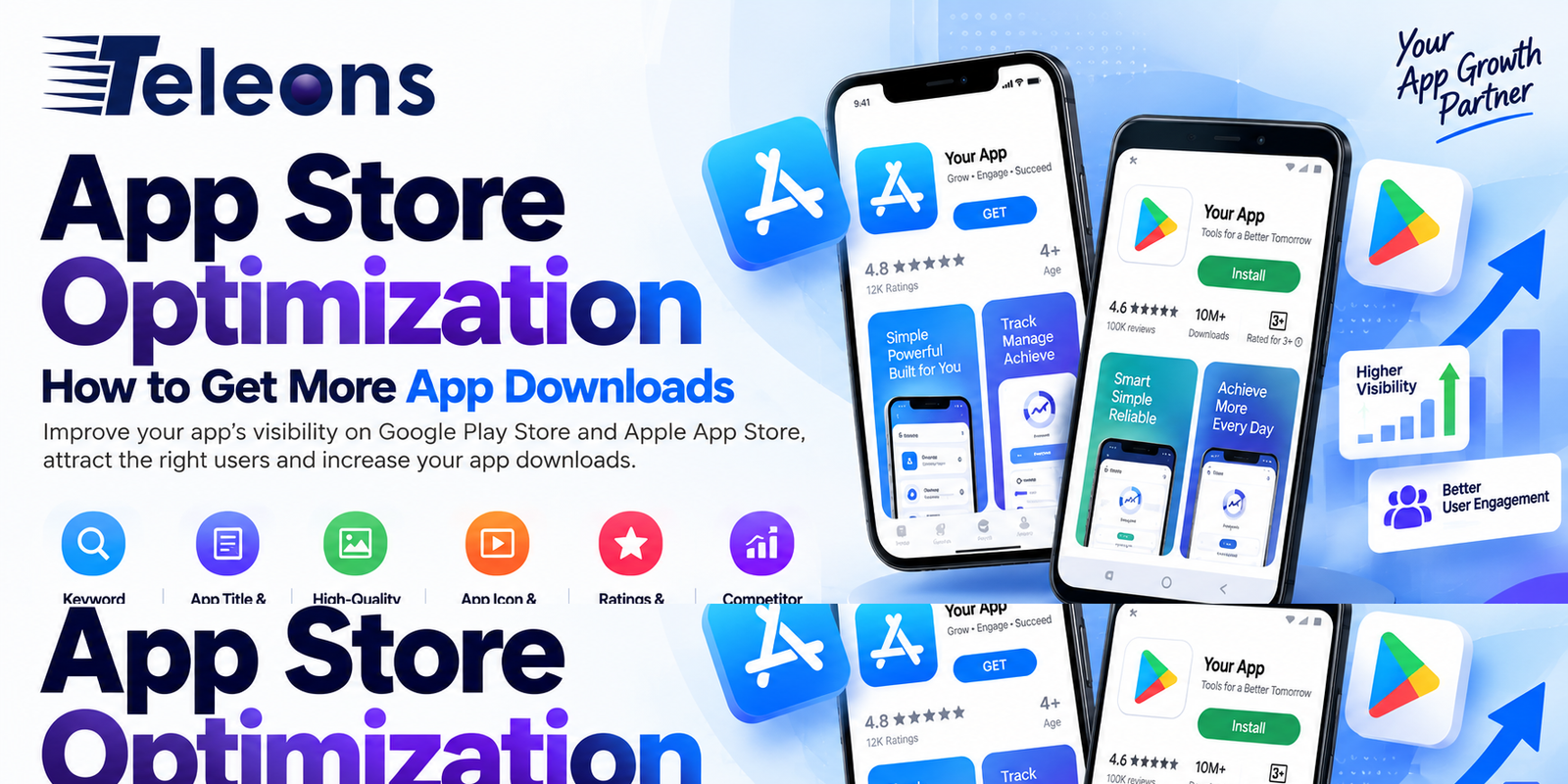
Building a mobile app is only the first step. The next challenge is getting people to discover, download and use it. With thousands of apps competing for attention on the Google Play Store and Apple App Store, simply publishing an app does not guarantee downloads.
This is where App Store Optimization (ASO) becomes important.
ASO is the process of improving an app’s visibility and attractiveness within app stores so that more relevant users discover and download it. Similar to SEO for websites, ASO combines keyword optimization, compelling content, visual assets, ratings, reviews and performance analysis to improve an app’s chances of being found.
For businesses and startups investing in mobile app development, ASO should be considered as part of the launch and growth strategy rather than something to address after the app is published.
What Is App Store Optimization?
App Store Optimization is the practice of optimizing an app’s store listing to improve its visibility in search results and increase conversions.
Depending on the platform, ASO can involve optimizing:
App name
App title and subtitle
App description
Keywords
App icon
Screenshots
Preview videos
Ratings and reviews
Category selection
Localization
Conversion rate
App engagement and retention
The objective is simple: help the right users find your app and give them enough reasons to download it.
Why App Store Optimization Matters
Imagine that you have developed a fitness app. Your app may have excellent features, but if users searching for fitness solutions cannot find it, those features will not generate downloads.
ASO can help address this discovery problem.
A strong ASO strategy can help businesses:
Improve app visibility
Reach relevant users
Increase organic downloads
Improve store conversion rates
Reduce dependence on paid acquisition
Understand user search behavior
Build credibility through ratings and reviews
However, ASO is not a one-time activity. Search behavior, competition, app-store algorithms and user expectations can change, so successful apps continuously test and improve their store presence.
1. Research the Right App Store Keywords
Keywords are one of the foundations of ASO.
Start by understanding what your target audience searches for when looking for an app like yours.
For example, a budgeting application could potentially target searches related to:
Expense tracker
Budget planner
Personal finance
Money management
Expense manager
The objective isn’t to include as many keywords as possible. Instead, focus on relevant search terms that match the app’s purpose and user intent.
Keyword research should consider relevance, competition and search potential.
2. Optimize Your App Name
Your app name is one of the most important elements of your store listing.
It should be:
Easy to remember
Relevant to the app
Distinctive
Simple to pronounce
Appropriate for your brand
Where platform guidelines allow, relevant keywords can be incorporated naturally.
Avoid stuffing the app name with multiple keywords. A confusing title can make the app appear less trustworthy and can weaken your branding.
3. Write a Strong App Description
Your app description should explain what the app does and why someone should download it.
Instead of simply listing technical features, focus on user benefits.
For example:
Weak:
“Advanced task management with cloud synchronization.”
Better:
“Organize your daily tasks, set reminders and keep your work synchronized across devices.”
The second version communicates the benefit more clearly.
A good description should explain:
What problem the app solves
Who it is designed for
Its key benefits
Important features
Why users should choose it
4. Create High-Quality App Screenshots
Screenshots are not just demonstrations of your interface. They are marketing assets.
Users should be able to understand the main benefits of your app by quickly looking through the screenshots.
Instead of simply showing interface screens, consider adding concise messaging such as:
Track Your Expenses Easily
Manage Your Tasks in One Place
Book Services in Just a Few Taps
The screenshots should maintain a consistent visual style and clearly communicate the app’s value.
5. Design a Memorable App Icon
Your app icon is often the first visual element users notice.
A good icon should be:
Simple
Recognizable
Consistent with your brand
Visually clear at small sizes
Avoid unnecessary details that disappear when the icon is displayed at a smaller size.
The icon should also feel appropriate for the category and audience of the application.
6. Use App Preview Videos Strategically
An app preview video can quickly demonstrate how the product works.
Instead of creating a video that simply shows random screens, structure it around the user’s journey.
For example:
Problem → App Solution → Key Features → Result
Keep the presentation focused and make sure the most valuable functionality appears early.
A strong preview can help users understand the product before they download it.
7. Encourage Genuine Ratings and Reviews
Ratings and reviews influence both credibility and user decisions.
An app with consistently positive feedback can create more confidence among potential users.
However, businesses should avoid fake reviews or manipulative rating practices.
Instead, ask satisfied users for feedback at an appropriate point in their experience—for example, after completing a successful action or achieving a useful result.
It is equally important to respond professionally to negative reviews.
A thoughtful response can show potential users that the business listens to feedback.
8. Improve Your App’s Conversion Rate
ASO isn’t only about rankings.
Suppose your app receives thousands of store impressions but very few downloads. The problem may be conversion rather than visibility.
Review elements such as:
App icon
Screenshots
Description
Reviews
Ratings
Preview video
Value proposition
A/B testing different store assets can help identify which presentation generates better results where the platform supports such testing.
9. Localize Your App Store Listing
If your app targets users in multiple countries, localization can significantly improve discoverability and relevance.
Localization may include:
App title
Description
Keywords
Screenshots
Promotional messaging
App preview content
Simply translating text is not always enough. Cultural preferences, search behavior and terminology can vary between markets.
A localized ASO strategy should reflect how people actually search and make purchasing decisions in each target market.
10. Monitor Your Competitors
Competitor research can reveal opportunities.
Look at competing apps and analyze:
Their titles
Keywords
Descriptions
Screenshots
Ratings
Reviews
Feature positioning
User complaints
Negative reviews can be particularly useful because they reveal problems users are experiencing with competing products.
If your app solves those problems, that advantage can become part of your positioning.
11. Pay Attention to User Reviews
Reviews are more than reputation signals. They are a source of product feedback.
Look for recurring phrases and complaints.
Users may repeatedly mention:
Difficult navigation
Slow performance
Missing features
Complicated registration
Payment problems
Bugs
Poor customer support
These insights can help development and marketing teams understand what users actually value.
ASO and product development should therefore work together.
12. Keep Improving After Launch
One of the biggest mistakes businesses make is treating ASO as a launch-only task.
After launch, monitor:
Store impressions
Keyword visibility
Product page views
Download rate
Conversion rate
Ratings
Reviews
Uninstall rate
Retention
Acquisition sources
If downloads are low, investigate whether the problem is visibility, conversion, product experience or marketing reach.
Regular optimization allows your app listing to evolve with user behavior and market competition.
ASO and Paid App Marketing Should Work Together
ASO and paid advertising are not competing strategies.
Paid campaigns can generate initial traffic and awareness, while ASO can help improve organic discovery over time.
For example, a business launching a new app might use:
Paid Ads → App Store Listing → Download → User Experience → Reviews → Organic Growth
A well-optimized store listing can also help paid traffic convert more efficiently because users have a clearer understanding of the app before installing it.
Common ASO Mistakes to Avoid
Businesses often make several avoidable mistakes:
Using irrelevant keywords
Keyword stuffing
Writing feature-heavy descriptions without explaining benefits
Using poor-quality screenshots
Ignoring negative reviews
Not researching competitors
Targeting every possible keyword
Using the same listing for every market
Focusing only on rankings
Never testing store assets
Ignoring app performance and retention
ASO works best when it is treated as a combination of search optimization, conversion optimization, branding and product improvement.
Final Thoughts
Getting an app developed is not enough to guarantee downloads. Your app needs to be discoverable, understandable and convincing when potential users encounter it.
App Store Optimization helps businesses improve this discovery and conversion process by combining keyword research, compelling store content, visual presentation, reviews, localization and continuous testing.
For startups and businesses planning a new mobile application, ASO should be considered before launch and maintained throughout the app’s growth journey.
A great app deserves to be discovered—and ASO helps put it in front of the people looking for it.
Want More Downloads for Your Mobile App?
Building an app is only the beginning. At Teleons, we combine mobile app development with a user-focused approach to help businesses create applications that are built for real users and long-term growth.
Whether you’re planning a new Android or iOS app or looking to improve an existing application, our team can help you turn your idea into a scalable mobile product.
Talk to Teleons today and take the next step toward building and growing your mobile app.
Website: https://Teleons Software.com/
Mobile App Development: https://Teleons Software.com/
Phone: +91-99-6705-4979
Email: info@Teleons Software.com
FAQs
1. What is App Store Optimization?
App Store Optimization, or ASO, is the process of improving a mobile app’s visibility and conversion rate on app stores such as Google Play and the Apple App Store.
2. How does ASO increase app downloads?
ASO can improve app discoverability through relevant keywords and increase downloads by making the app listing more compelling through better descriptions, screenshots, icons, ratings and other store assets.
3. Is ASO similar to SEO?
Yes. Both involve improving visibility through search optimization. However, ASO is specifically focused on mobile app stores, while SEO primarily focuses on search engines and websites.
4. How long does ASO take to show results?
Results can vary depending on competition, app category, keywords, market and the quality of optimization. ASO should generally be treated as an ongoing process rather than a one-time activity.
5. Are app ratings important for ASO?
Yes. Ratings and reviews can influence user trust and download decisions. Consistently positive feedback can make an app listing more attractive to potential users.
6. Can ASO work without paid advertising?
Yes. ASO can support organic app discovery, although paid advertising can complement ASO by generating additional visibility and downloads.
7. Should an app description contain many keywords?
No. Keywords should be used naturally and strategically. Keyword stuffing can make descriptions difficult to read and may not provide a better user experience.
8. Does ASO work for both Android and iOS apps?
Yes. Both Google Play and the Apple App Store offer opportunities for app-store optimization, although their ranking factors, available fields and optimization processes differ.


Related Posts

How Mobile Apps Help Businesses Improve Customer Engagement
Introduction Customer engagement has become a critical factor in building a successful business. Customers today expect brands to be accessible, responsive, personalized, and convenient across…
Read More
How AI Is Changing Mobile App Development in 2026
Artificial Intelligence (AI) has fundamentally changed how mobile applications are designed, architected, tested, deployed, and scaled. What once required hundreds of hours of manual engineering…
Read More